Turn any video into text - and when to extract the audio first
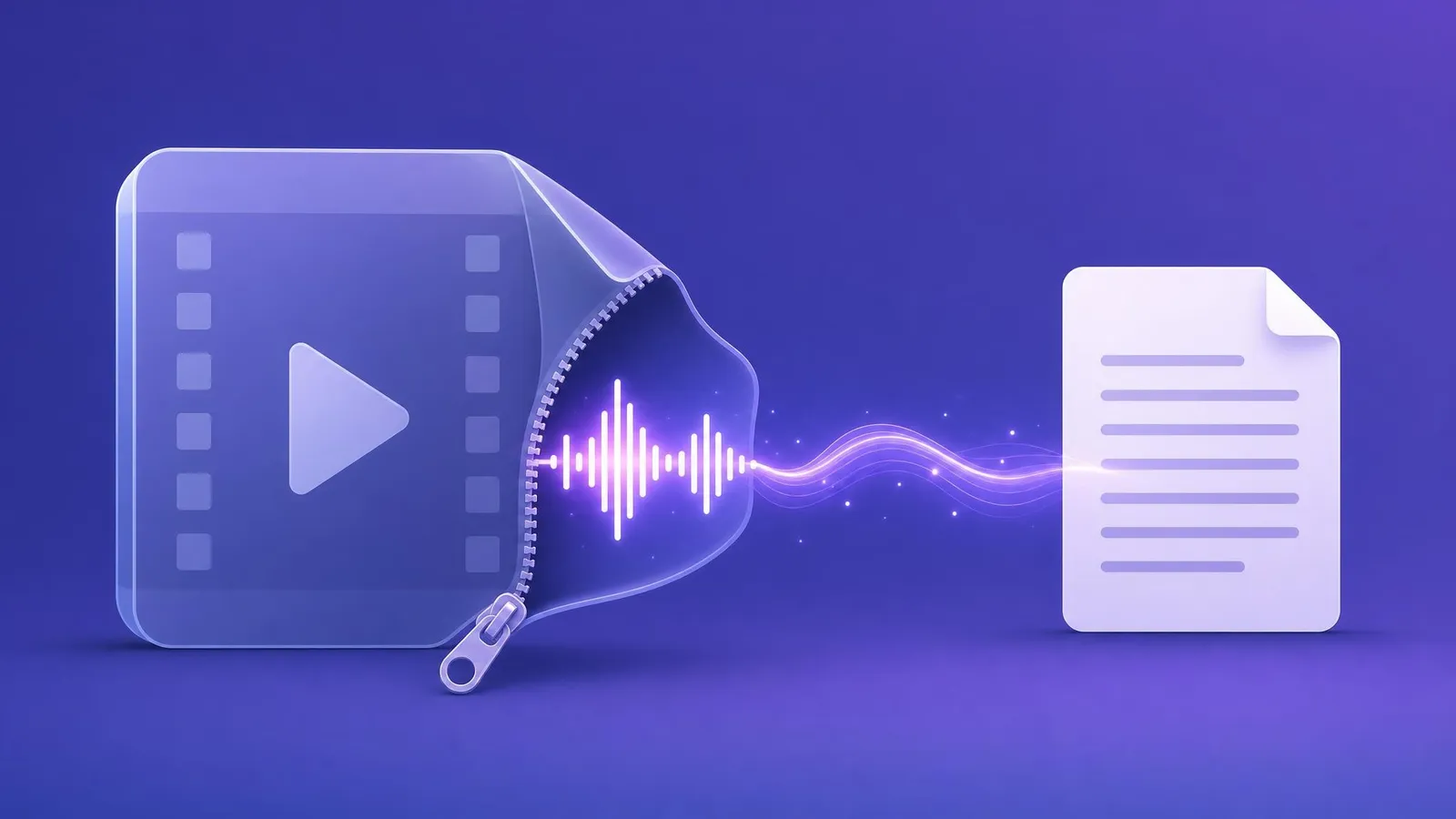
Here is the thing every “video to text” tutorial skips: the video track is dead weight. A transcription model never looks at a single frame - it hears the audio and nothing else. A 500 MB screen recording might carry 30 MB of actual sound, and the other 470 MB exist only to slow your upload down.
Once you see it that way, there are exactly two sensible paths, and choosing between them takes ten seconds.
Path one: just upload the video
Speecho takes MP4, MOV and WebM directly, up to four hours of footage. The part that surprises people: the audio is extracted in your browser before anything uploads. You drop a 2 GB recording, your machine pulls out the soundtrack locally, and only that small audio file travels to the server. The upload takes minutes, not the hour the file size suggests.
This covers almost every real case, because almost every “video” someone wants transcribed is already just a file on their disk:
- a Zoom or Teams recording - it’s an MP4 in your downloads folder;
- a Loom - download it from Loom first, same thing;
- a Google Meet recording - lands in your Drive as MP4;
- a lecture, interview or podcast episode someone sent you as a video.
If your goal is the transcript and nothing else, stop reading here. Upload the video, done.
Path two: extract the MP3 first
Sometimes you want the audio as a file, not just the text behind it. That’s what our free extractor is for - it runs entirely in your browser, nothing is uploaded, and it hands you an MP3. Reach for it when:
- you want to keep the audio - for a podcast feed, an archive, or listening on the go;
- the video is enormous and your connection isn’t - a 64 kbps speech MP3 of a one-hour meeting is around 30 MB, which uploads anywhere;
- the recording is longer than four hours - extract the audio, then send that;
- you’ll use the audio in more than one place - transcribe it here, edit it there.
The extractor has a “Speech” preset for a reason: 64 kbps mono is exactly what a speech model needs. Voices stay clear; only the music suffers, and the model wasn’t listening to the music anyway.
If the extractor splits a long recording into parts to fit the 200 MB upload limit, transcribe each part and merge the transcripts in your history: one transcript, in order, with the timestamps running on.
What happens after either path
The same thing: accurate AI transcription in 99 languages with auto-detect, optional speaker labels for interviews and meetings, an AI summary, translation into 18 languages, and export to Word or subtitles. You pay per hour of audio - from $0.83 - with no subscription, and signing up gets you 15 free minutes to test with your own recording rather than someone’s demo.
The one case neither path covers
A link is not a file. If what you have is a streaming URL rather than a recording you own, neither Speecho nor the extractor will take it - we deliberately accept files, not links. Download your own recording from the platform that holds it (Zoom, Loom and Meet all offer this), and then it’s just path one again.
That’s the whole decision: want only the text - upload the video; want the audio too, or the file is huge - extract first. Both ends are free to try.